Smarter Living on a Shoestring
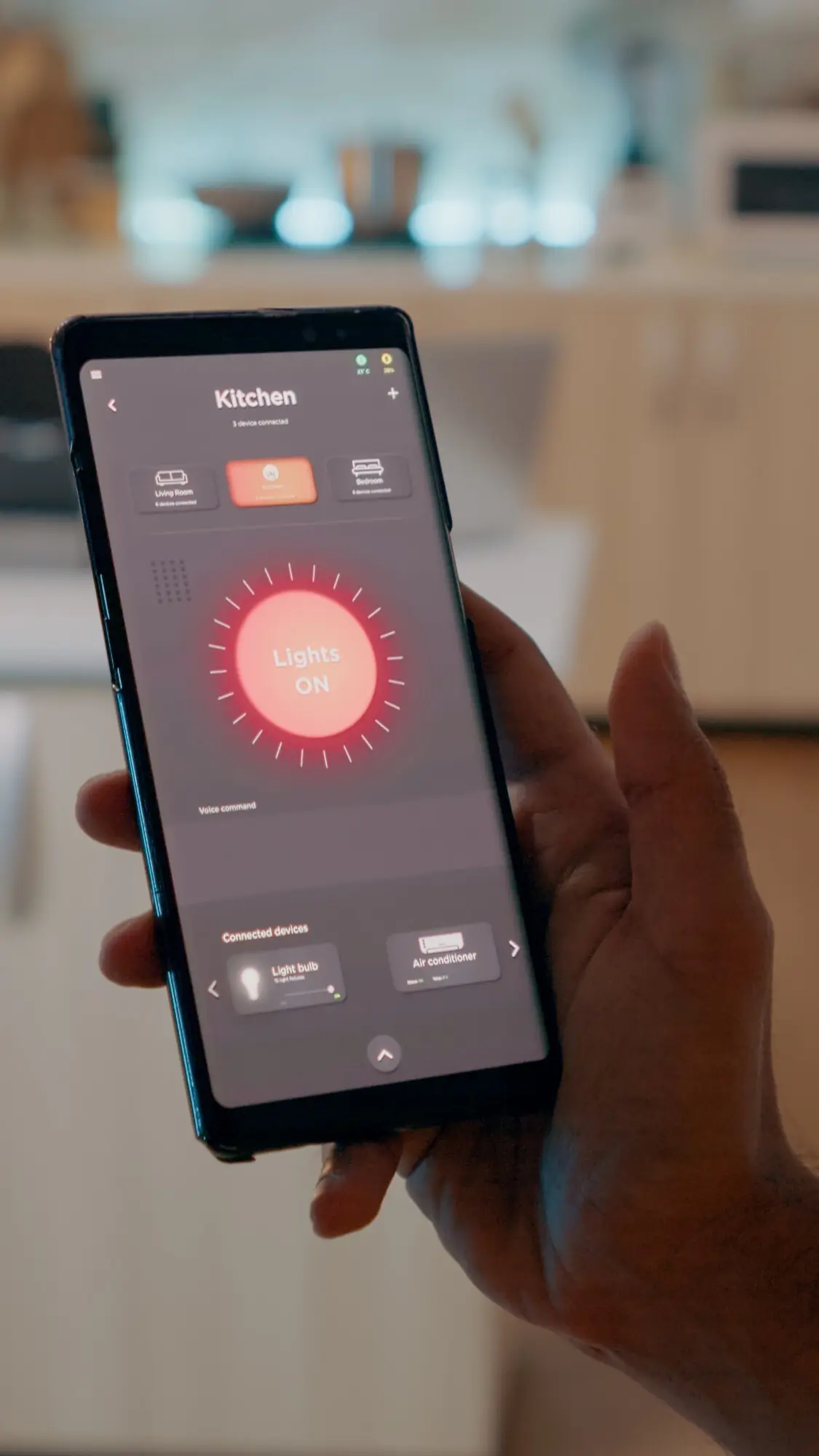
Today we dive into low-cost home automation with open-source platforms, showing how to turn ordinary apartments and houses into responsive, efficient spaces without expensive ecosystems. With Home Assistant, openHAB, Node-RED, and inexpensive microcontrollers, you can orchestrate comfort, security, and savings. Expect practical recipes, candid lessons, and friendly nudges that help you start small, reuse what you already own, and grow confidently. Bring curiosity, a secondhand single-board computer, and a couple of bargain sensors, and let’s build something delightful and dependable together.
Pick the Heart of Your System
Choose a central brain that matches your comfort and hardware: Home Assistant for broad integrations and an active community, openHAB for rock-solid modularity, or Node-RED for flow-based creativity. Pair with an MQTT broker for simple, decoupled communication. Consider your hosting: a quiet Raspberry Pi alternative, a modest mini‑PC, or Docker on an always‑on NAS. Prioritize clear documentation, backups, and an upgrade path. A well-chosen core helps everything else stay fast, predictable, and inexpensive.
Plan Automations that Actually Matter
List recurring annoyances and bills you can measure: lights left on, heaters fighting open windows, coffee forgotten. Turn each into a small, testable automation. Start with presence-based lighting or standby power reduction using smart plugs. Track results openly in dashboards and notes. Prioritize wins that your household immediately appreciates, because happy feedback fuels adoption. Resist shiny, complex routines until foundations feel reliable. Practical focus keeps projects affordable, avoids burnout, and transforms curiosity into lasting daily comfort.
Build on Hardware You Already Own
Stretch your budget by repurposing trusted devices. An old laptop can host Docker containers and nightly backups. A used router flashed with OpenWrt can segment IoT traffic for safety. Retire an aging Android tablet into a wall-mounted dashboard. Even simple USB power meters help quantify savings from automations. Audit drawers for cables, chargers, and sensors you forgot. Reuse reduces cost, accelerates learning, and turns clutter into capability. Spend where reliability matters, reuse where it doesn’t, and celebrate resourcefulness.

Affordable Hardware That Works Hard
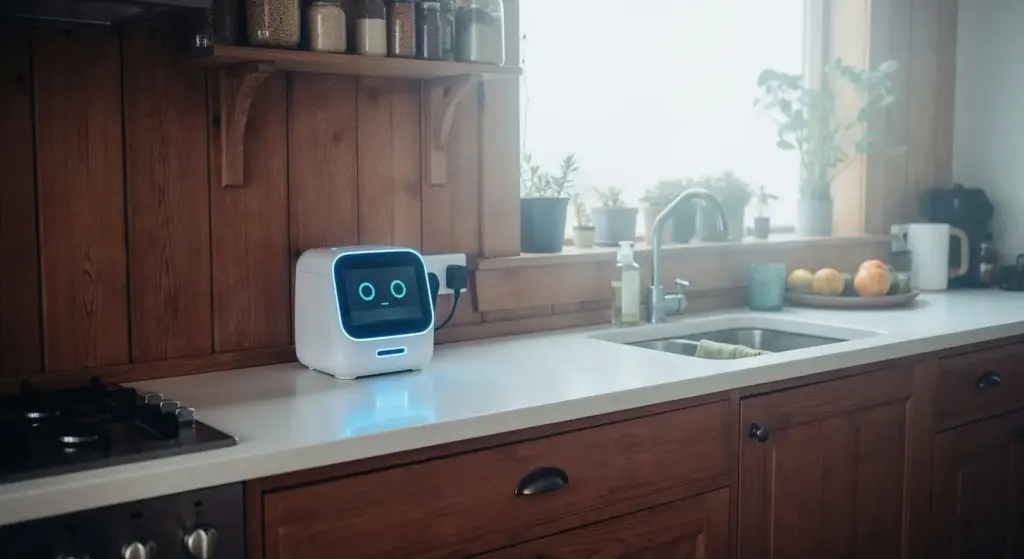
You don’t need premium gear to achieve premium reliability. Commodity microcontrollers, budget smart plugs, and a humble Zigbee USB stick can rival expensive hubs when paired with thoughtful configuration. Focus on well-documented, community‑tested devices, because clear examples save hours. Choose components with replaceable firmware and local control to avoid cloud lock‑in. Simplicity wins: fewer bridges, fewer failure points, and clear wiring. Good logs and a spare sensor or two often matter more than fancy enclosures or glossy packaging.
Home Assistant that Behaves Reliably
Install using Docker or supervised methods you can comfortably maintain. Enable essential integrations first, then add slowly. Create helpers for modes and schedules to keep automations readable. Use the built‑in UI and YAML where each shines. Set consistent entity naming, snapshots on a schedule, and off‑device backups. Test automations with simulated time and conditions before trusting them at night. When updates land, skim release notes, snapshot, then upgrade. Treat it like a friendly appliance you respect, not a toy.
Flows with Node‑RED that Read Like Stories
Begin with simple trigger‑condition‑action flows and descriptive node labels that explain intent. Group related parts and wire debug nodes to watch messages move. Reuse subflows for common patterns like presence logic or rate limiting. Add catch nodes to handle errors gracefully. Store settings in environment variables. Keep flows small, modular, and versioned. The clarity pays off when you revisit months later or share snippets with friends who want similar results. Visual logic can be powerful without becoming tangled spaghetti.
MQTT as the Friendly Nervous System
Deploy Mosquitto with authentication, TLS if remote, and a sane topic structure that mirrors rooms and devices. Prefer lowercase, predictable names with retained states where appropriate. Avoid retaining transient events like motion to reduce confusion. Monitor with MQTT Explorer for quick sanity checks. Use birth and will messages so your dashboard reflects availability truthfully. Decoupling producers and consumers increases resilience, letting you swap parts without rewiring logic. It’s lightweight, legible, and delightfully reliable when thoughtfully organized from day one.
Privacy, Security, and Reliability on Pennies
Local control eliminates many cloud worries, but a few smart practices elevate trust further. Segment IoT devices on a separate Wi‑Fi or VLAN, close unnecessary ports, and prefer encrypted channels when leaving your network. Rotate keys, keep firmware updated, and automate backups you’ve actually tested. Plan for power blips, flaky sensors, and human habits with calm fallbacks. Practical security need not be expensive; it thrives on simplicity, documentation, and a couple of repeatable routines you follow without drama.
Real Savings, Real Stories
Practical wins matter more than flashy demos. Small automations that trim standby power, tame heating schedules, and catch open windows quietly stack meaningful savings. Share results with screenshots and numbers, because seeing bills change motivates families and friends. Celebrate adjustments that improve comfort, not just graphs. When someone smiles because the hallway lights respond kindly at night, you’ve built the right thing. Cost‑aware smarts should feel humane, respectful, and reversible, especially in rentals or shared homes where trust is earned.
A Tiny Apartment Cuts Bills by Double Digits
A renter with a secondhand mini‑PC, two smart plugs, and door sensors reduced electricity by watching appliance idle patterns and dampening vampire loads. A simple rule shut off entertainment gear after inactivity, while a fan tracked humidity and timed bathroom clears. Dashboards showed month‑over‑month drops, and roommates noticed fewer scolding reminders. Nothing exotic, just thoughtful tweaks. The lesson: one or two precise automations pay rent faster than a dozen unmeasured experiments, and they inspire the next improvements naturally.
Respectful Automations for Shared Spaces
In households and rentals, portability and consent matter. Favor adhesive mounts, battery sensors, and plug‑in devices that leave no scars. Add gentle sunset lighting scenes rather than aggressive schedules. Offer manual overrides everywhere: wall switches, dashboard buttons, and voice. Explain changes before deploying, and ask for feedback after a week. When automations serve everyone’s comfort, they last. Reversible setups protect deposits, preserve goodwill, and make it easy to move your carefully crafted system intact to the next place.
Interfaces, Voice, and Everyday Joy
Interfaces should respect context: quick buttons near doors, calm dashboards in living spaces, and voice for full hands. Keep everything fast, accessible, and readable at a glance. Prefer local or privacy‑friendly services for speech and notifications. Use color, icons, and concise text, not walls of toggles. Design for guests and future you, with labels that make sense instantly. A little polish turns utility into delight, and delight keeps projects alive long after the novelty fades.
Offline Voice that Works in Real Homes
Combine wake‑word engines and local assistants such as Rhasspy or open‑source speech pipelines for private, snappy control. Start with a few high‑value phrases and clear, forgiving intents. Provide audible confirmations at low volume during quiet hours. Keep fallbacks: a button or card that performs the same scene. Avoid brittle wording and complex grammars until confidence grows. Local voice reduces latency, respects privacy, and survives internet hiccups, making voice feel dependable rather than a coin toss at bedtime.
Dashboards on Cast‑Off Tablets and TVs
Mount an old tablet with kiosk mode to display room temperatures, presence, and a handful of scenes that household members actually use. Keep contrast high, font large, and buttons spaced for hurried thumbs. Rotate a few pages automatically through weather, energy, and routines. On TVs, a dashboard screensaver can announce washer done, doors left open, or bedtime scenes. Hardware you already own becomes a calm command center instead of drawer clutter, inviting daily interaction without shouting for attention.
Notifications that Nudge, Not Nag
Use actionable notifications through services like Telegram, Matrix, or mobile apps to offer gentle choices: snooze, open, or resolve. Assign priorities thoughtfully, reserving loud alerts for safety or water leaks. Send summaries for routine information, not constant pings. Include a link to the relevant dashboard card for instant context. Clear, respectful communication earns trust and avoids notification fatigue. When notifications feel helpful, people engage, provide feedback, and even request new automations that make shared life run smoother.

All Rights Reserved.